Agent 64: Spies Never Die Built-In Level Editor
Create custom maps, share with the community, and host multiplayer on your own arenas.
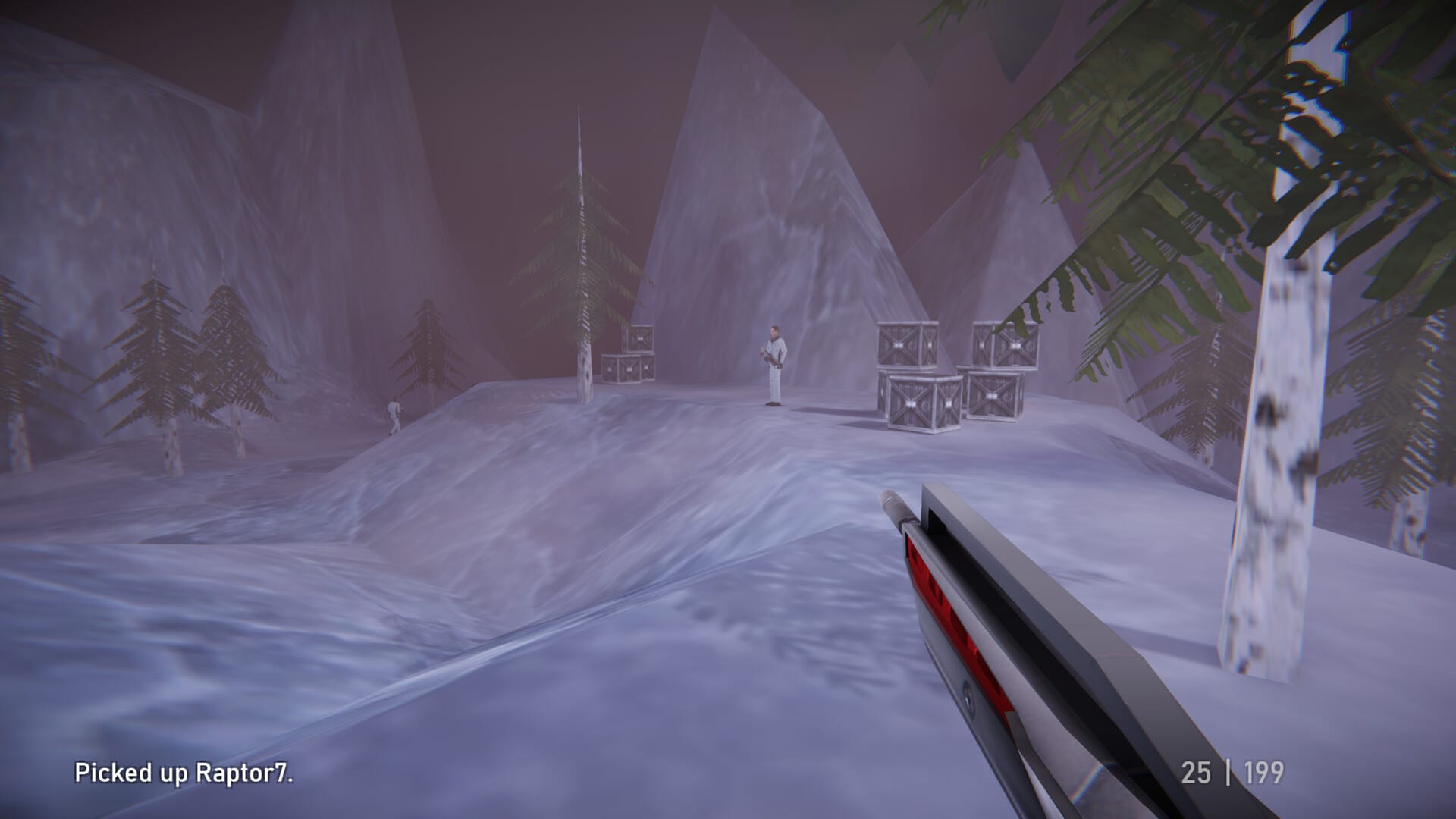
One of Agent 64: Spies Never Die’s longest-tail features is the built-in level editor — a full in-game toolkit for assembling custom arenas without external mod software. Replicant D6 ships editor access on Steam PC at launch, letting players block out geometry, place spawn points, assign weapon pickups, configure objective zones, and publish maps for local split-screen and online multiplayer. Reviewers at 2UpSkill and community previews argue community maps could outlive the 14-mission campaign if creators embrace retro arena design. This guide covers editor basics, publishing and sharing workflows, multiplayer hosting on custom stages, and how user maps complement official Arena Modes content.
Why the editor matters
GoldenEye and Perfect Dark lived for years on user-created stages — bathroom deathmatch memes, maze labs, and objective remixes. Agent 64 modernizes that loop with Steam Workshop-style sharing integrated into the PC build. Custom maps expand:
- Deathmatch and Zone rotation when official layouts feel stale.
- Co-op experiments where creators script objective chains beyond campaign templates.
- Challenge-style drills with fixed bot counts and timers.
- Paradox party nights using Paradox Cheats on absurd geometry.
The editor does not replace campaign progression or cypher gates — story content remains authored — but it extends multiplayer longevity documented across the Multiplayer Hub.
Accessing the editor
From the main menu, navigate to Create or Level Editor (exact label matches the launch build UI). First launch presents template options:
- Blank arena — flat floor plus skybox for pure deathmatch tests.
- Campaign-derived base — start from simplified geometry echoing official maps like Skyscraper or Harbor for faster blocking.
- Imported community map — fork another creator’s published file to learn techniques.
Save early and often. The editor autosaves local drafts, but published versions should be versioned when you iterate after playtests.
Core building tools
Geometry blocks — Place walls, floors, ramps, and prefab room modules. Retro aesthetics favor readable shapes over hyper-detailed meshes — think N64 clean lines.
Spawn points — Separate player spawns, bot spawns, and team spawn zones. Uneven spawn fairness ruins Deathmatch — test both sides before publishing.
Weapon and gadget pickups — Assign pistols, automatics, explosives, and armor analogs if the editor exposes them for custom rules. Balance pickup timers like official Arena maps.
Objective markers — Briefcase spawn locations, Zone capture volumes, and hack terminals for co-op custom missions.
Lighting and skybox — Atmosphere without tanking framerate. Split-screen hosts should preview with dual viewports from Settings Reference.
Bot navigation — Nav mesh or waypoint tools let AI traverse your map. Untagged gaps produce bots stuck on ledges — always run a solo bot match before sharing.
Testing your map
Use local playtest to jump into the map instantly as John Walter or a multiplayer avatar. Checklist:
- Can players reach every intended area without unintended exploits?
- Do spawns face unfair sightlines?
- Are pickups reachable without sequence breaks?
- Do bots path to Briefcase or Zone objectives?
- Does four-player split-screen maintain playable framerate on minimum spec from System Requirements?
Invite one friend through Steam for two-player smoke tests before publishing widely — netcode quirks appear only with human movement patterns.
Sharing and discovery
Published maps upload to Agent 64’s community browser tied to Steam — search by name, tag, or popularity. Creators should write clear descriptions listing player counts, recommended modes, and Paradox compatibility.
Download community maps to your local library, then host them in Arena custom lobbies alongside official layouts. Ten saved lobby presets from Arena Modes can include custom map rotations mixed with vanilla content.
Respect creator attribution — fork maps to learn, but rename derivatives clearly if you republish.
Multiplayer on custom maps
Hosting flow mirrors standard Arena:
- Create Online or Local lobby.
- Select Custom map from your library or subscribed downloads.
- Configure teams, weapon sets, bot backfill, and optional Paradox modifiers.
- Invite up to eight online or four local split-screen players per official multiplayer limits.
Custom maps do not affect campaign cyphers or Challenge unlock progress unless future patches tie specific creator challenges — treat them as sandbox content.
Co-op on custom maps depends on editor support for objective scripting. Simple deathmatch boxes work day one; elaborate mission chains require creator investment in triggers and win conditions.
Editor versus campaign design lessons
Campaign missions teach pacing — armor off-path, disguises, one-life tension from Body Armor & Survival. Arena custom maps usually drop those rules for fast respawn fights. Borrow sightline discipline from Train and verticality from Snow Base, but do not clone entire campaign layouts without remixing objectives.
Performance tips for creators
Dense geometry and excessive dynamic lights hurt Steam Deck players and split-screen hosts. Keep draw counts modest; test on Steam Deck Performance presets if you want portable-friendly maps.
Publish both high-detail and performance variants if your vision demands heavy props — label them clearly in descriptions.
Community longevity
If the editor community thrives, Agent 64 joins the lineage of user-powered shooters. If not, the official 14 missions, Challenges, and Paradox Mode still justify the purchase — the editor is bonus infrastructure.
Watch Replicant D6 patch notes on Updates Hub for editor feature additions — new prop packs or scripting nodes may arrive post-launch.
Related pages
- Arena Modes — host custom maps in Deathmatch and Zone
- Challenges Mode — structured bot drills on official maps first
- Split-Screen & Online — couch testing workflows
- Tools Hub — PC references including settings and specs
The level editor turns Agent 64 from a nostalgia trip into a platform. Block out a room, place spawns, beat your own map in Challenges-style solo tests, then invite friends for Briefcase chaos on something only your squad has played.
Frequently Asked Questions
Quick answers to the most common questions.
Does Agent 64 include a level editor at launch?
Yes on Steam PC. The built-in editor lets players create custom maps and share them through the game's community browser.
Can you play multiplayer on custom maps?
Yes. Host local or online Arena lobbies and select published or downloaded custom maps with standard mode rules and bots.
Do custom maps work with split-screen?
Custom maps support local split-screen Arena sessions. Test performance with multiple viewports before publishing.
Does the editor affect campaign progression?
No. Custom maps are multiplayer sandbox content. Campaign cyphers and story missions remain separate authored content.
Where do I learn editor controls?
Use in-game editor tutorials and community guides. This wiki page covers workflow basics; patch notes on the Updates hub track new editor features.